
Download LinkedIn – Professional Networking, Job Search, Career Growth
Overview
LinkedIn is a freemium social and communication platform designed to support professional networking and career development. The software enables users to build and maintain professional relationships, explore job opportunities, and engage with industry-specific content. It serves as a multifaceted toolkit for individuals navigating the competitive job market, as well as professionals aiming to expand their influence and visibility within their fields. Target users include job seekers, career changers, recruiters, business owners, and professionals looking to enhance their personal brand. The platform functions as both a digital resume and a dynamic content hub, where users can showcase their experience, skills, and achievements while staying informed through curated newsfeeds. Real-world usage scenarios include applying for jobs with targeted filters, connecting with industry leaders, seeking referrals from existing contacts, and sharing thought leadership content. The developer did not provide additional background on the company or organizational structure. While the platform offers core features at no cost, a Premium Career subscription unlocks advanced tools for job search optimization, lead generation, and talent acquisition. Despite some reported performance issues, LinkedIn remains a central resource for professional advancement in today’s digital workforce.Key Features & Capabilities
- Job Search with Advanced Filters – Users can browse millions of job listings using refined filters such as location, experience level, company size, and remote availability. This feature streamlines the job-hunting process by narrowing down options to relevant opportunities.
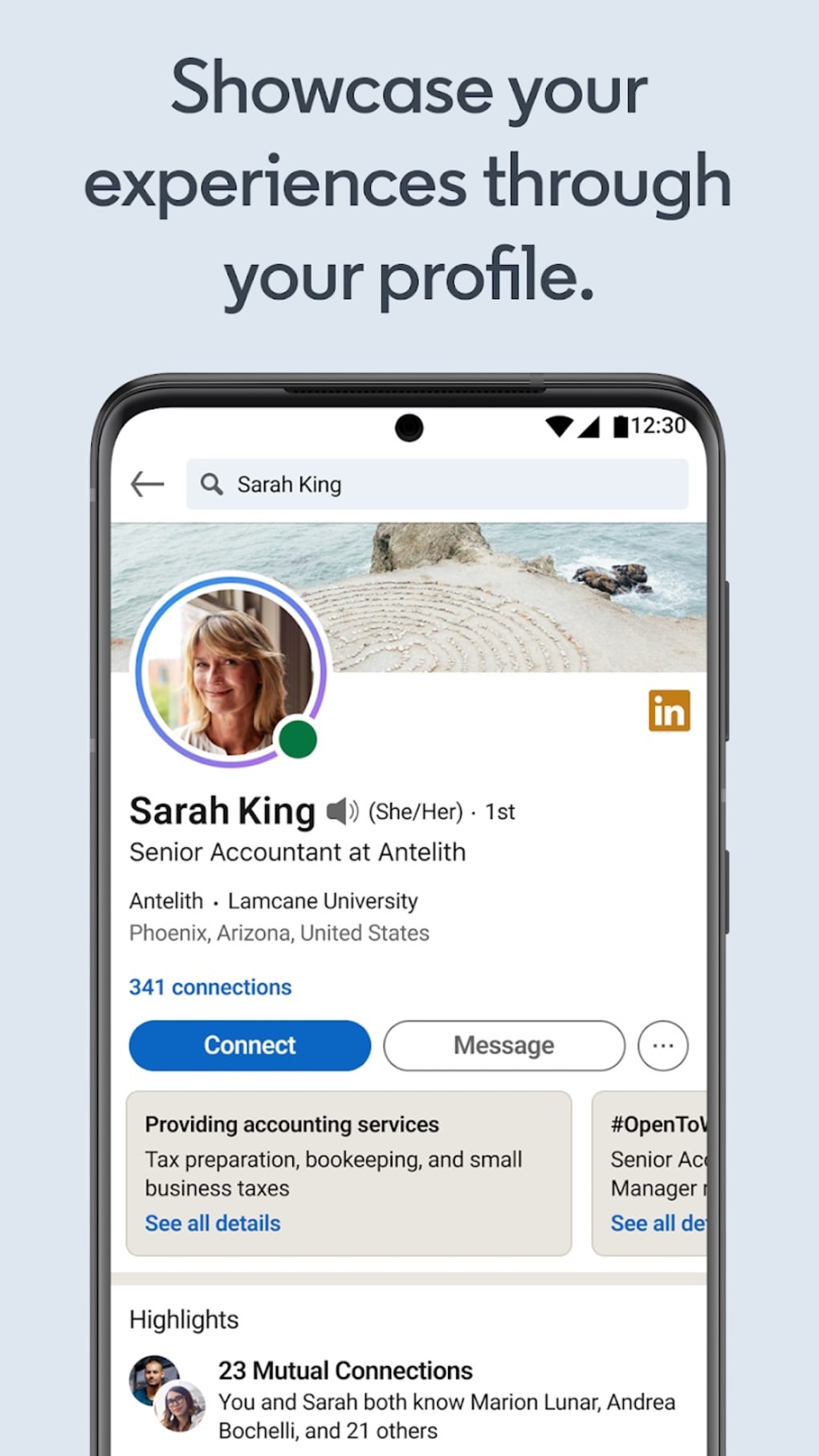
- Dynamic Professional Profile – The platform allows users to create a comprehensive digital resume that highlights skills, work history, education, and endorsements. This profile serves as a public-facing portfolio for recruiters and peers.
- Open to Work Feature – This visibility tool signals to recruiters that a user is actively seeking new opportunities, increasing the likelihood of receiving outreach messages.
- Content Sharing & Newsfeed Curation – Users can follow companies, thought leaders, and industry topics to receive tailored content. They can also publish articles, updates, and insights to build credibility and visibility.
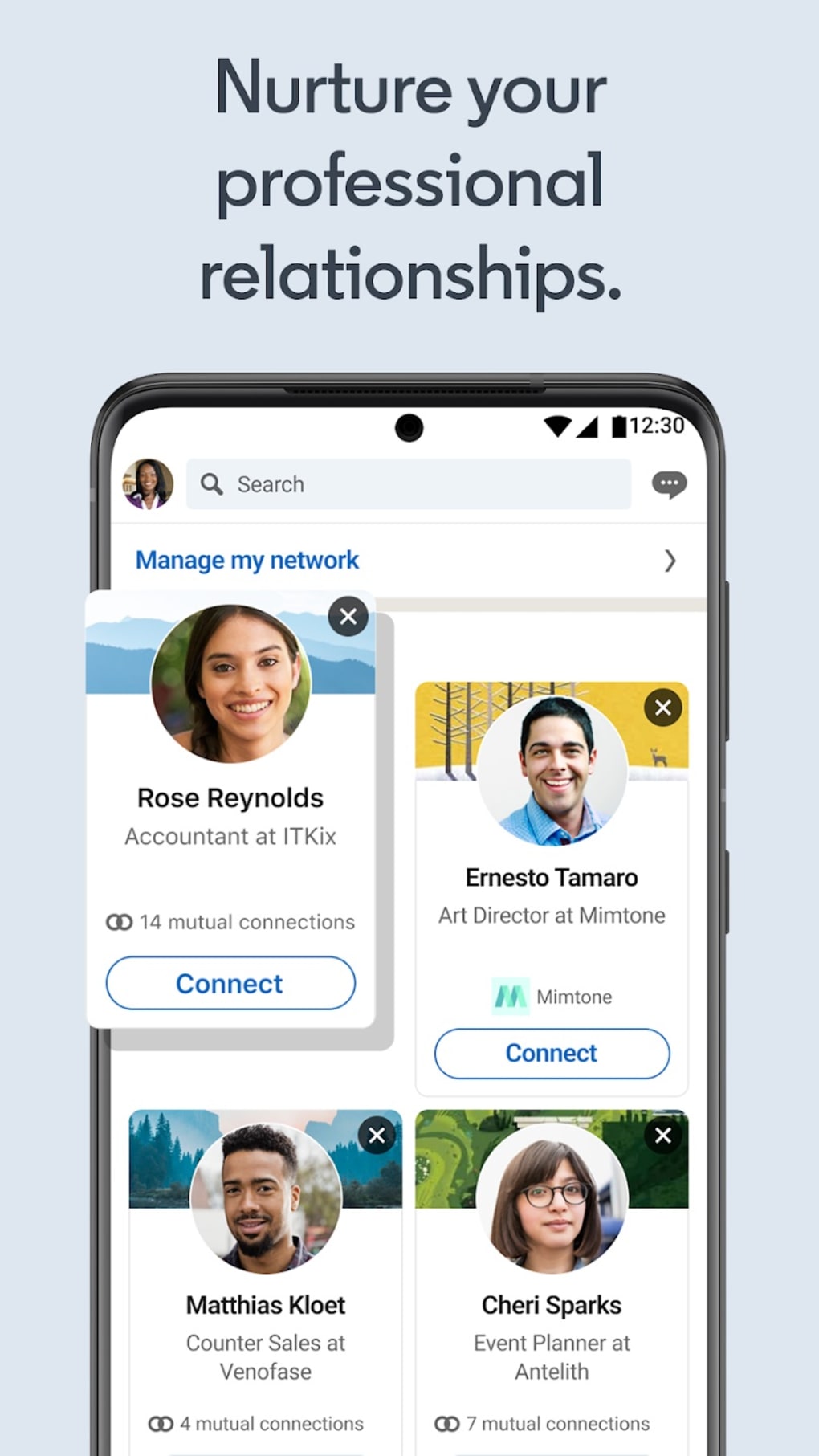
- Networking and Connection Management – The platform supports direct messaging, connection requests, and group participation, enabling users to maintain relationships and seek advice from professionals in their desired fields.
- AI-Powered Chat Assistant (Beta) – Available to premium subscribers, this feature uses AI technology to answer questions about job fit, company culture, benefits, and interview processes. It also summarizes lengthy posts and provides career guidance based on feed activity.
User Interface, Workflow & Performance
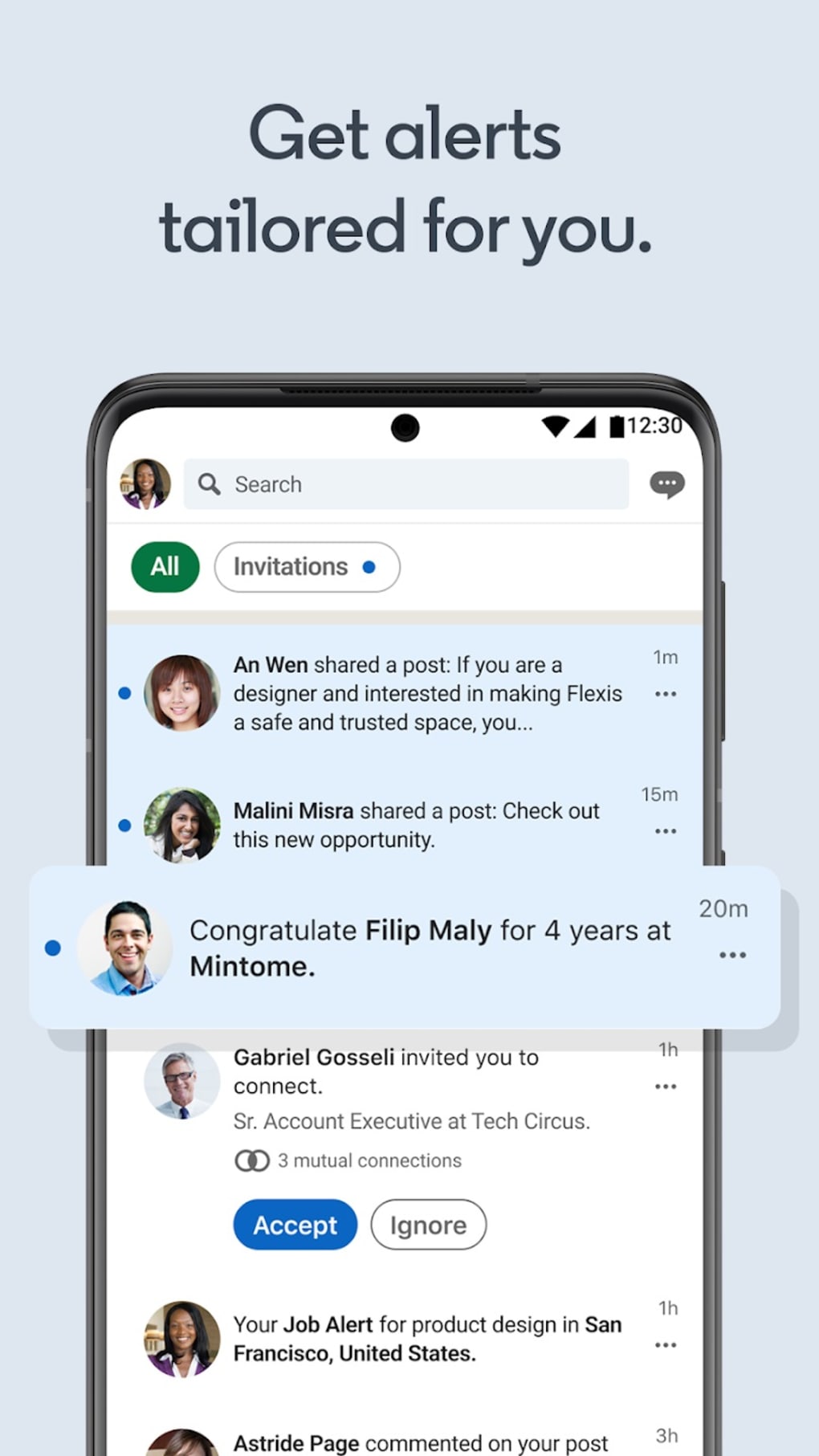
The user interface is structured around a clean, professional layout with intuitive navigation. The main dashboard displays a personalized feed, job recommendations, connection suggestions, and recent activity. Menus are organized by function—Profile, Jobs, Messaging, Network, and More—allowing for quick access to core features. The workflow is designed to support seamless transitions between tasks, such as updating a profile, applying to a job, or initiating a conversation with a recruiter. Users can customize their feed by following specific topics or organizations, enhancing relevance and engagement. While performance observations are based on general software behavior patterns, some users have reported slow loading times and incomplete content rendering. The developer did not specify resource usage details, so CPU and RAM behavior cannot be confirmed. Stability appears consistent for most users, though intermittent issues may affect user experience during peak usage periods. Overall, the interface prioritizes usability and functionality, making it accessible for both novice and experienced users.Compatibility & System Requirements
LinkedIn is available on multiple operating systems, including Windows and Mac. The software is designed to run on modern desktop environments, though exact system requirements were not listed. Installation size is not specified, and compatibility information is limited to the supported platforms. The developer did not provide additional details about hardware specifications or performance benchmarks. Users should ensure their system meets standard desktop software requirements for web-based applications. For optimal experience, a stable internet connection is recommended, as the application relies heavily on cloud-based data synchronization and real-time updates.Pros and Cons
- Extensive job database with powerful filtering options
- Professional profile builder enhances visibility to recruiters
- AI-powered tools offer personalized job and career insights
- Strong networking capabilities with real-time messaging
- Free access to core networking and job search features
- Some users report slow loading times and incomplete content rendering
- Advanced features require a paid subscription
- AI features are currently in beta and may have limited availability
- Heavy reliance on internet connectivity
- Interface can feel overwhelming for new users due to feature density
FAQ Section
Is LinkedIn available for Windows and Mac?
Yes, LinkedIn is compatible with both Windows and Mac operating systems.
Is the software free to use?
Yes, LinkedIn offers a free version with access to core networking, job search, and content features. Premium tools are available through a subscription.
Does LinkedIn require an internet connection?
Yes, LinkedIn relies on real-time data synchronization and cloud-based services, so a stable internet connection is necessary for full functionality.
Are the AI-powered features available to all users?
No, the AI chatbot and summary tools are currently available only to premium subscribers and are in beta testing.
Can I use LinkedIn offline?
While limited functionality may be available offline, most features require an active internet connection for updates, messaging, and job search.





.png)

